Randomizer
The Randomizer takes all your attendees and shuffles them into a random order — handy for court assignments, partner pairings, or any time you want a fair, unbiased shuffle.
How to use the Randomizer
How do I randomize players? How do I shuffle attendees? How do I randomly assign courts? How do I use the Randomizer app? Where is the Randomizer? How do I get a random order of players?
- Open the session, click View Attendees, and scroll to Session Apps. Click Randomizer to open it in a new page.
- Click Randomize to reorder the list.
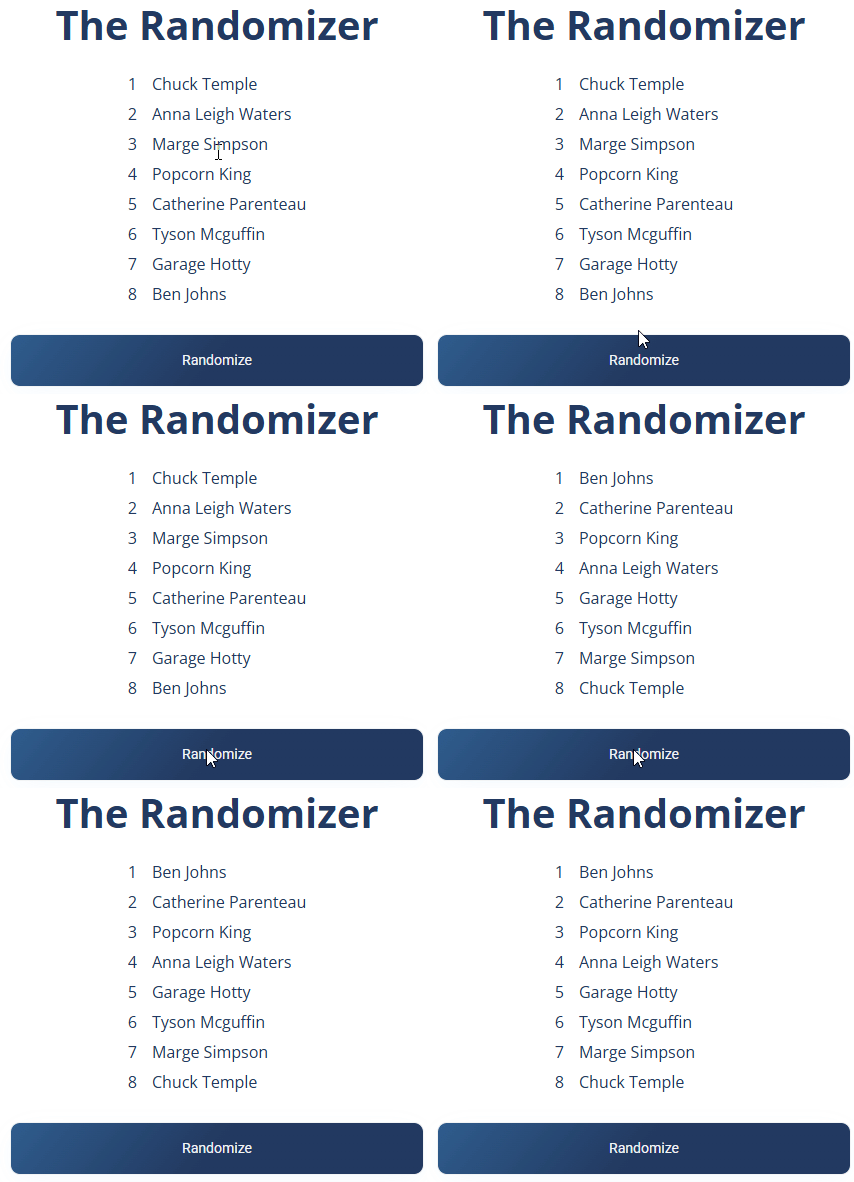
The randomized order is just for display — you can refresh the page and click Randomize again any time you want a fresh shuffle.
Ways to use it in pickleball
What can I use the Randomizer for? How do I randomly pair partners? How do I run king of the court? How do I pick a random winner? Can I use it for drills or a giveaway? How do I split players into courts randomly? How do I assign courts? How do I break a tie randomly? How do I randomly decide singles vs doubles? How do I run a social mixer?
- Court assignments — randomly assign players to courts for balanced, varied matchups during open play or round robins.
- Partner pairings — create random doubles pairings to mix up teammates and encourage social play.
- King of the Court — rotate players between courts unpredictably to decide who moves up, down, or sits out.
- Social mixers — shuffle players in a low-pressure way so people meet new partners.
- Prize or giveaway selection — randomly pick winners for event prizes.
- Drill rotations — randomly assign players to drills or stations during a clinic.
- Tiebreakers — randomly determine which players or teams advance when there's a tie.
- Game format — randomize attendees to decide doubles vs. singles or other setups.