The Wheel
The Wheel randomly selects one attendee — often to decide who sits out, gets reassigned, or wins a draw. Once the Wheel picks someone, they're removed from the list so the same person can't be chosen twice.
How to use The Wheel
How do I use The Wheel? How do I spin the wheel? How do I randomly pick one player? How do I randomly choose who sits out? Where is The Wheel app? How do I pick a random attendee?
- Open the session, click View Attendees, and scroll to Session Apps. Click The Wheel to open it in a new page.
- Click Spin to spin the wheel — the selected player's name appears.
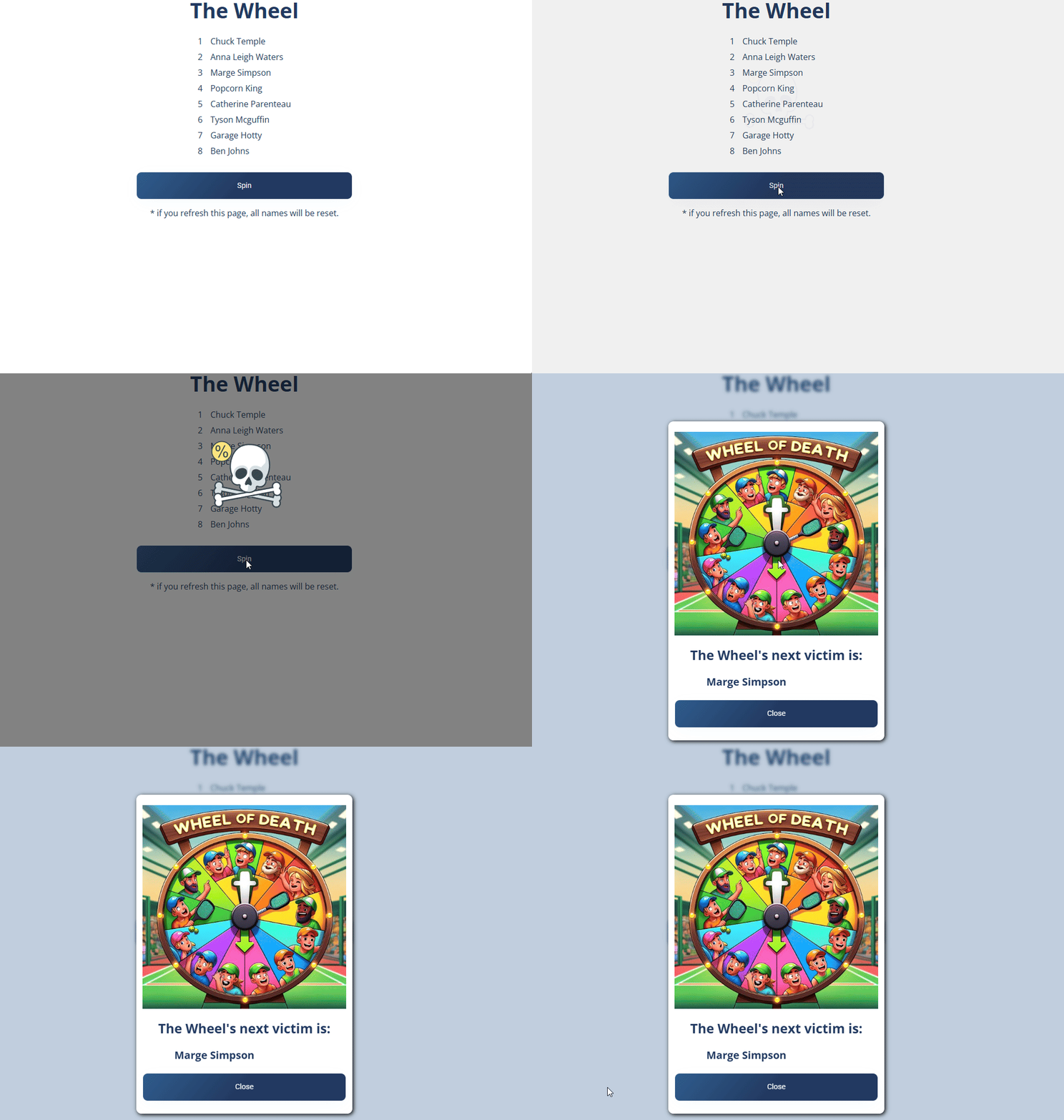
Once the Wheel selects someone, they're removed from the list and can't be chosen again on the next spin.
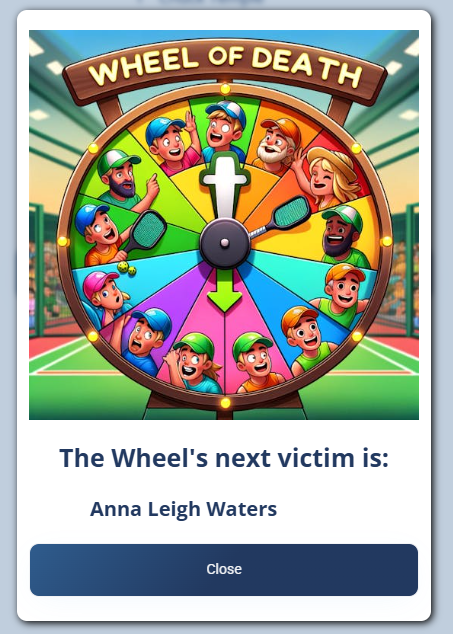
A player is only removed for the current page session. If you refresh the page, all names are reset and everyone goes back on the Wheel. Keep the Wheel page open while you're running your rotation.
Ways to use it in pickleball
What can I use The Wheel for? How do I run king of the court with the wheel? Can I use it for drills or prize drawings? What is the wheel of death?
- King of the Court — see the note below.
- Drill rotations — randomly pick players for specific drills or to lead warm-ups.
- Prize drawings — spin to pick winners for giveaways or prizes.
The Wheel was originally built for a King of the Court format where 17–18 players competed for 16 spots across 4 courts. When a player lost on the lowest court, they sat out; if they lost again, the Wheel was spun to randomly swap them with another player. That's how it earned its original nickname, "The Wheel of Death" — the chosen player had to sit out and start over on the lowest court.
More in Session Apps